
As a delegated team lead, your mission is to move things forward by empowering your team and partners to access the right information, for the right period of time, in a controlled manner.
RITM's multi-level delegation capabilities, combined with application entitlements, give team leads the freedom they need in order to efficiently manage their team and connect the right identities. At each level, users can be assigned delegated admins, which in turn allows them to further cascade roles to the identities in their scope. With the help of integrated registration and access-granting mechanisms, users can get or request access in a centralised platform.
The ability to import, organise users into groups, grant the same user different roles within different applications, combined with the power to further delegate and grant time-based access brings tremendous flexibility and time effectiveness to organisations and teams.
As a business delegate team lead, you'll be able to:
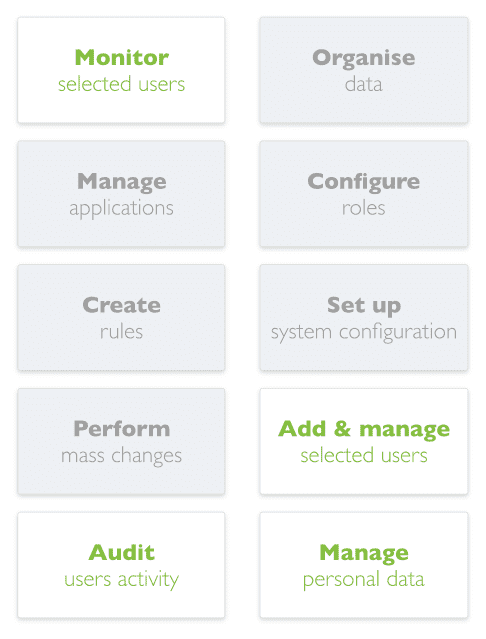
Monitor selected users
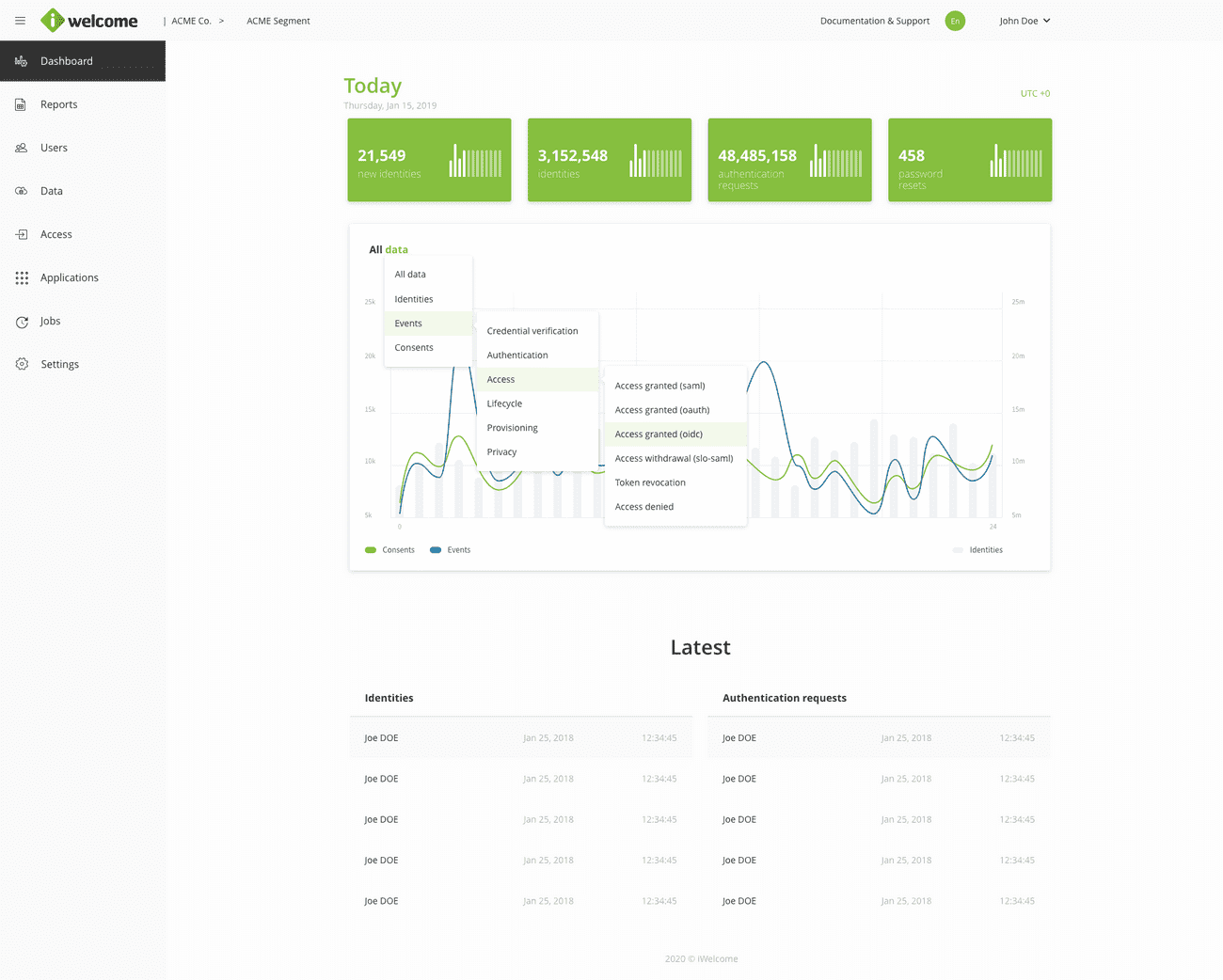
As a business delegate team lead, you need to keep an eye on your team's activity to make sure they are actively working towards the team's common goals.
RITM makes this job easier with the help of customisable Dashboards and Reports that allow you to monitor the identities within your scope. While the platform dashboard provides a glimpse into the platform activity in a visual manner, the Reports section takes this data further with detailed information about events, identities and consent-related activity.
Add & manage selected users
On-boarding new team members and partners, granting temporary access to applications, or removing users can get quite messy if they are managed in multiple places.
By integrating all applications with AcessRITM, team leads are able to invite new users to applications, grant them appropriate roles or assign them to be delegated admins, allowing them to cascade roles, according to the project's needs.
User management can be performed from within the Users section, and can be done both individually, or in bulk (through the import option).
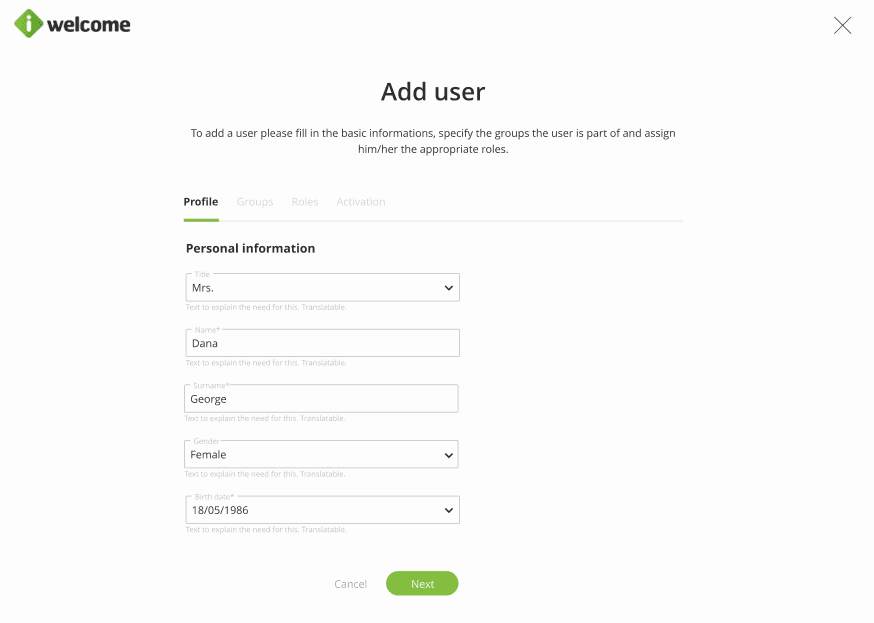
Read more about the different options for user management.
Audit admin users’ activity
Keep an eye on the activity of your delegated admin users with the help of the platform's integrated audit system.
The Activity section lists all actions performed by admin users, including the actions they took for setting data, access, different customisations, as well as related to data visualisation. However, it does not include information details about the actions performed by specific identities within customer care.
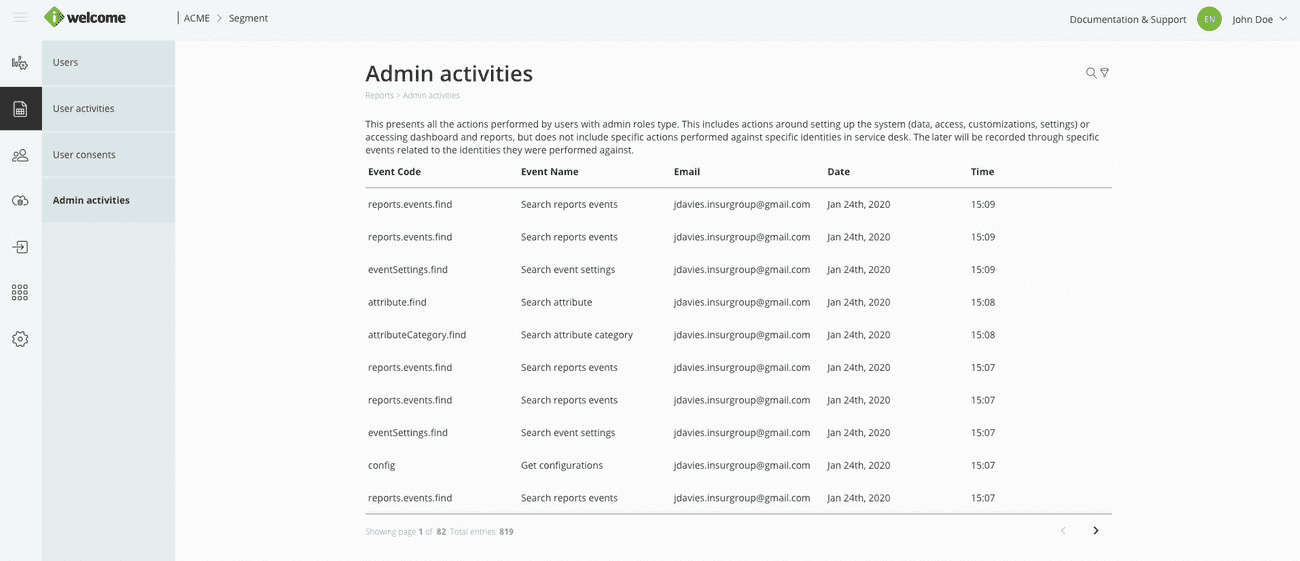
Read more about the information presented in the Admin activities section.
Manage personal data
Enrich the user accounts of your team members and partners by individually managing and adding personal information, or simply rectifying them.
You can manage users' personal data (such as profile picture, name, age, gender, address and phone, etc.) as well as employment information. You can add new information, edit the existing one or promote (move upward) the existing sections.
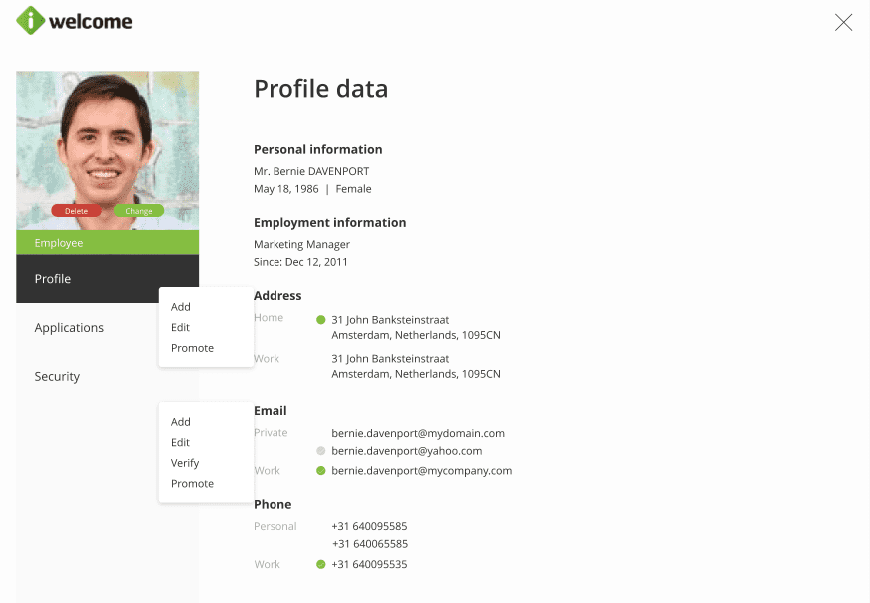
Read more about the profile page
