
Configuring and keeping systems up to date is a time-consuming, full-time job for any IT admin.
If you're one of these guys, you're probably already accustomed to being the go-to person for all system-related tasks, which oftentimes translate into a lot of time wasted on trivial jobs such as granting an employee or business partner access to an application.
RITM provides IT admins with a single portal where they can easily manage how access is granted using a flexible, sophisticated tiered delegation model based on roles, replacing former applications.
The platform's access management capabilities can be leveraged to manage users and access to applications through delegation, entitlements and customisation, with the purpose of efficiently connecting identities. All this ensures a high level of control for administrators, while freeing them from administrative burdens.
As an IT admin, you'll be able to:
Monitor all identities
Monitor the identity-related events of your choice for up to one year back, through the platform's customisable data visualisation tools such as Dashboards and Reports.
The integrated audit system captures a comprehensive set of actions and events performed by users, allowing you to choose the ones you want to be displayed in the Dashboard and Reports sections of the platform.
These, combined with the ability to assign custom names and categories to events, filter and group information, provide the necessary resources you need in order to monitor all identities and make sure everything is running smoothly.
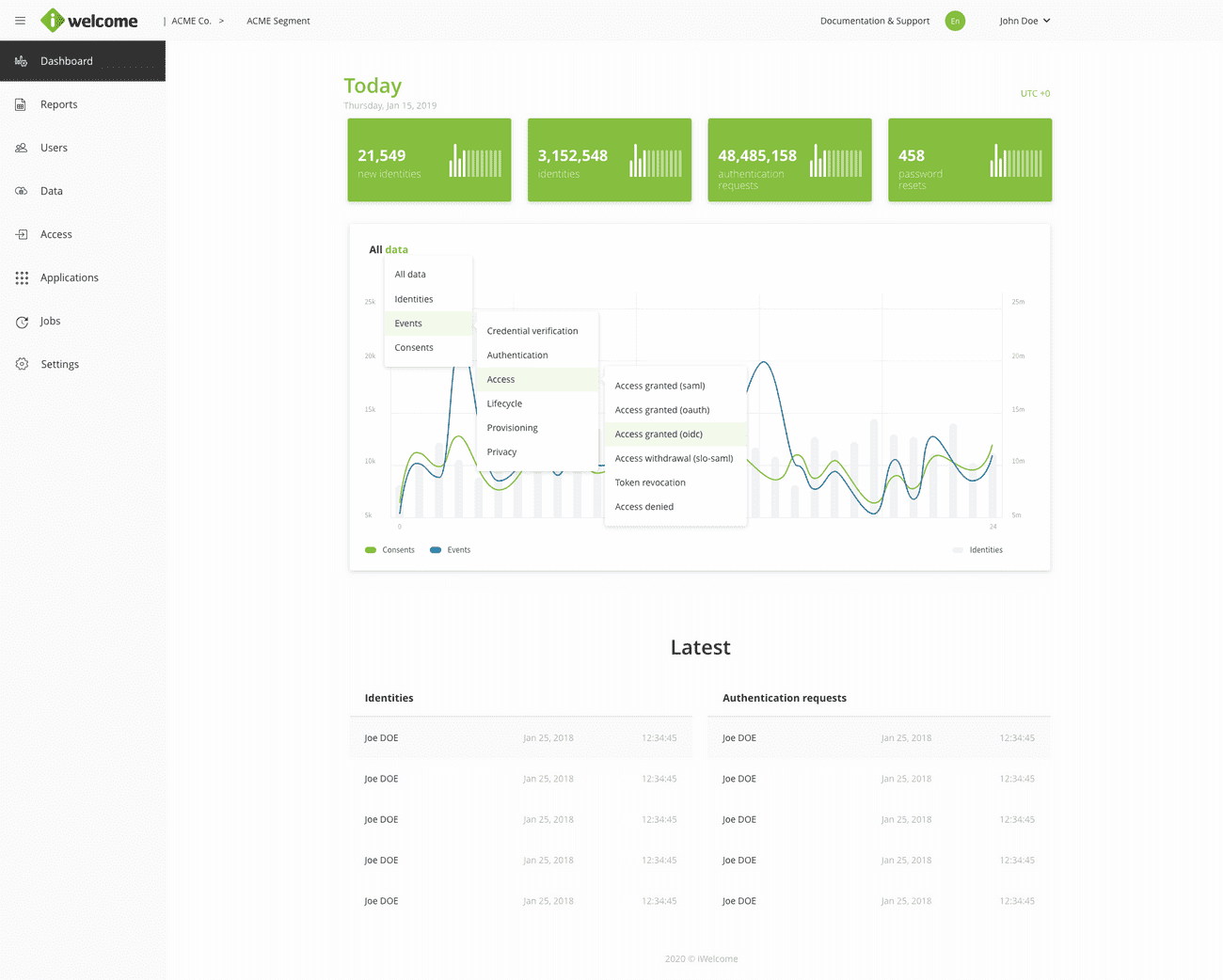
Read more about the different event customisation options available for the data visualisation tools.
Organise data
Setting up applications, managing identities and assigning entitlements is a laborious part of every IT admin's job.
A well organised identity system is a prerequisite for an efficient flow of information, which is why RITM provides a flexible data classification system that governs the relations between identities and how data can be accessed.
We use schemas, collections and structures as a logical means of organising data. By using a combination of static and dynamic structures that can be defined on a single level or can be nested on several levels, you can obtain a more granular control over what identities can access and how.
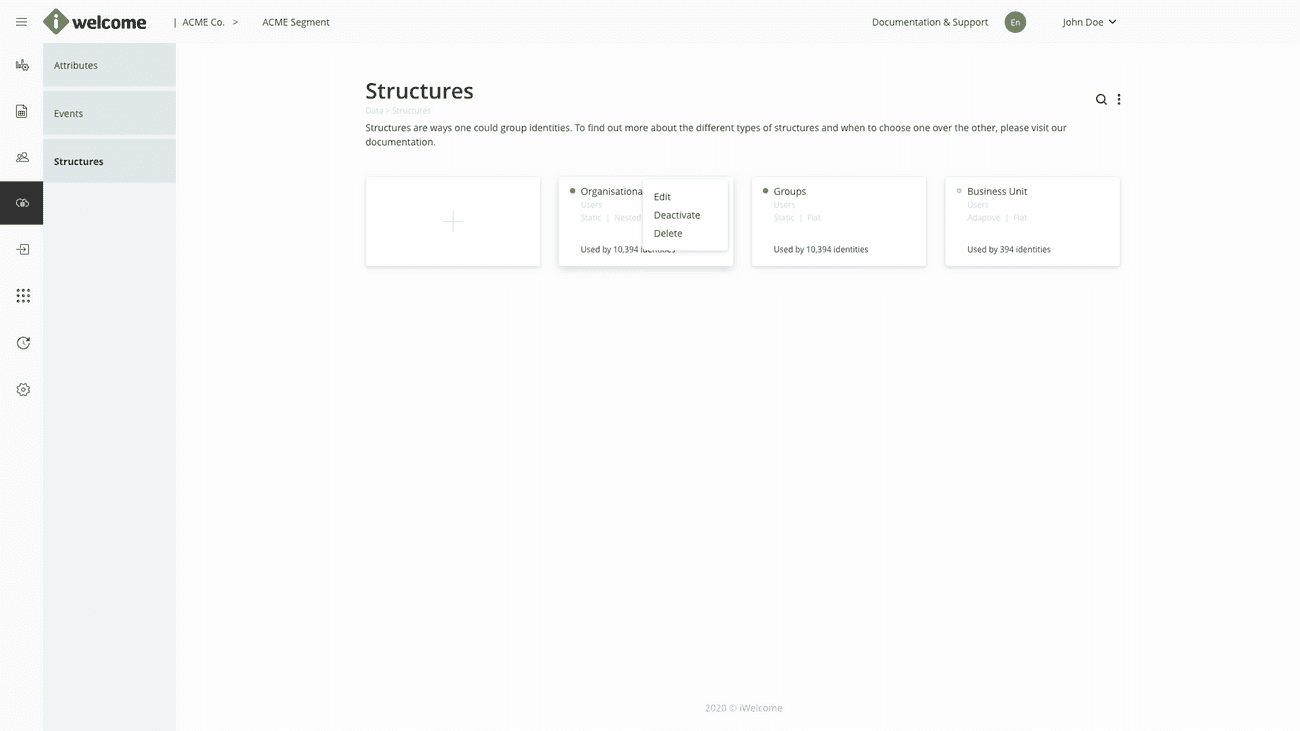
Read more about data classification within RITM.
Manage applications
Oftentimes, managing access to different applications turns into a nightmare because of the fact that they are managed individually, on different platforms, and sometimes by different people within an organisation.
RITM brings a centralised approach to application management, allowing you to manage how data can be accessed for both first party applications (called Branded apps), as well as third party ones. We consider Branded apps those applications that are owned and controlled by an organisation, and applications the external ones that have already been integrated with OneWelcome IAM.
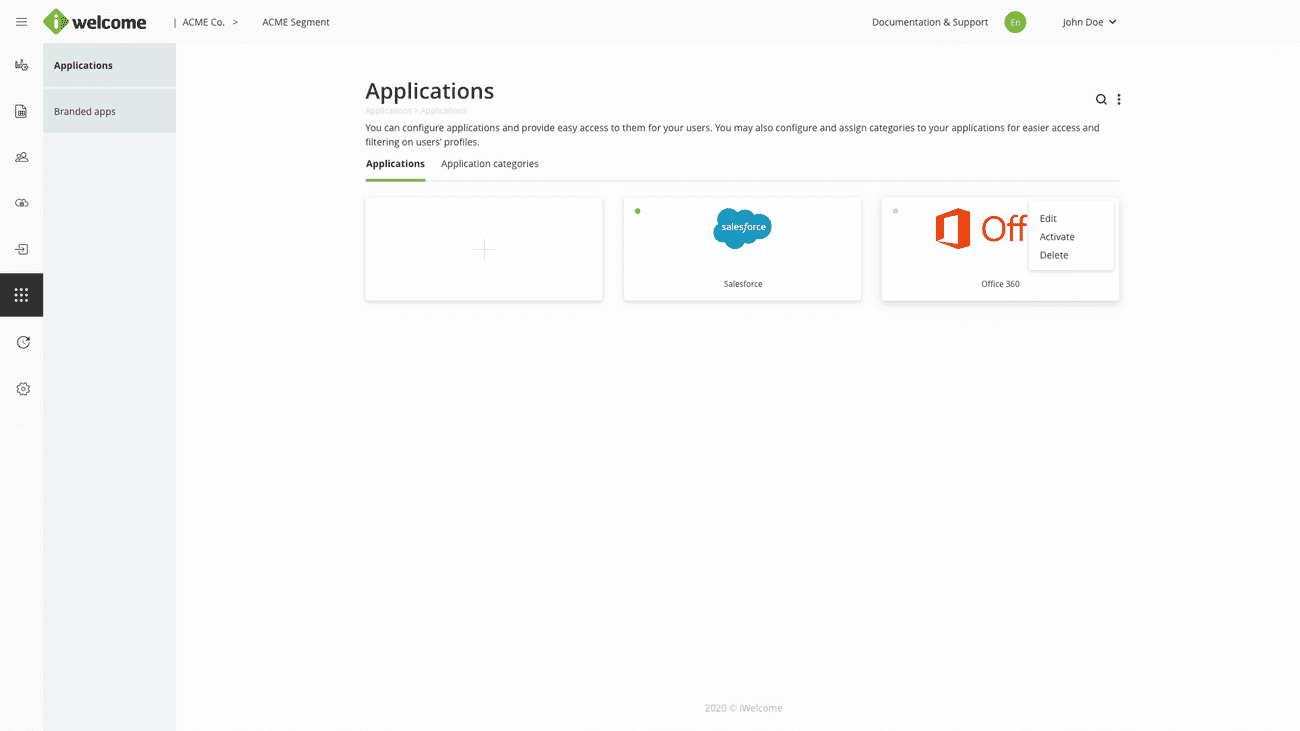
Read more about application management.
Configure roles
As mentioned earlier, access to information is governed by a combination of roles and role types, system rules and flexible structures.
Roles are collections of permissions that control what data and applications an identity can access and what actions it can perform. As an IT admin, you can configure roles according to your and your organisation's needs for granting access for users and applications.
RITM provides four types of roles:
Application. This role type provides access to applications.
Admin. Is used to provide access to other identities’ data and to the RITM platform.
Personal. Provides users with access to their own data.
Branded app. Allows brandeds to perform CRUD operations through API calls.
Within the platform, roles are defined per segment, so you can define different roles for different segments. Furthermore, an identity can have multiple roles associated to it.
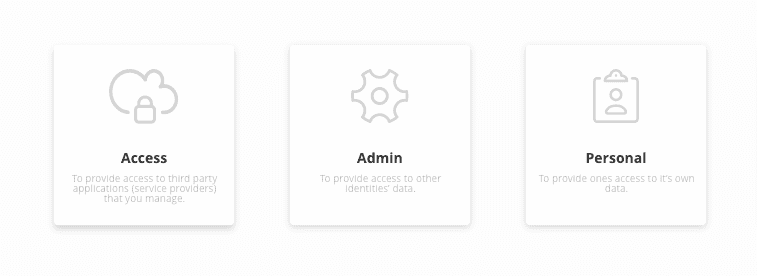
Read more about defining roles.
Create rules
To automate the process of assigning roles to identities, you can use rules that work at a predefined periodicity.
A rule instructs the system to perform a certain action if the set conditions are met. Conditions may be related to an identity belonging to a specific group, or if it has a certain value for one or more attributes.
The system that enforces rules runs similarly to a background system job that is triggered periodically, which is why changes are not visible instantly. Please keep in mind that rules only allow you to add roles to users, but not remove existing ones.
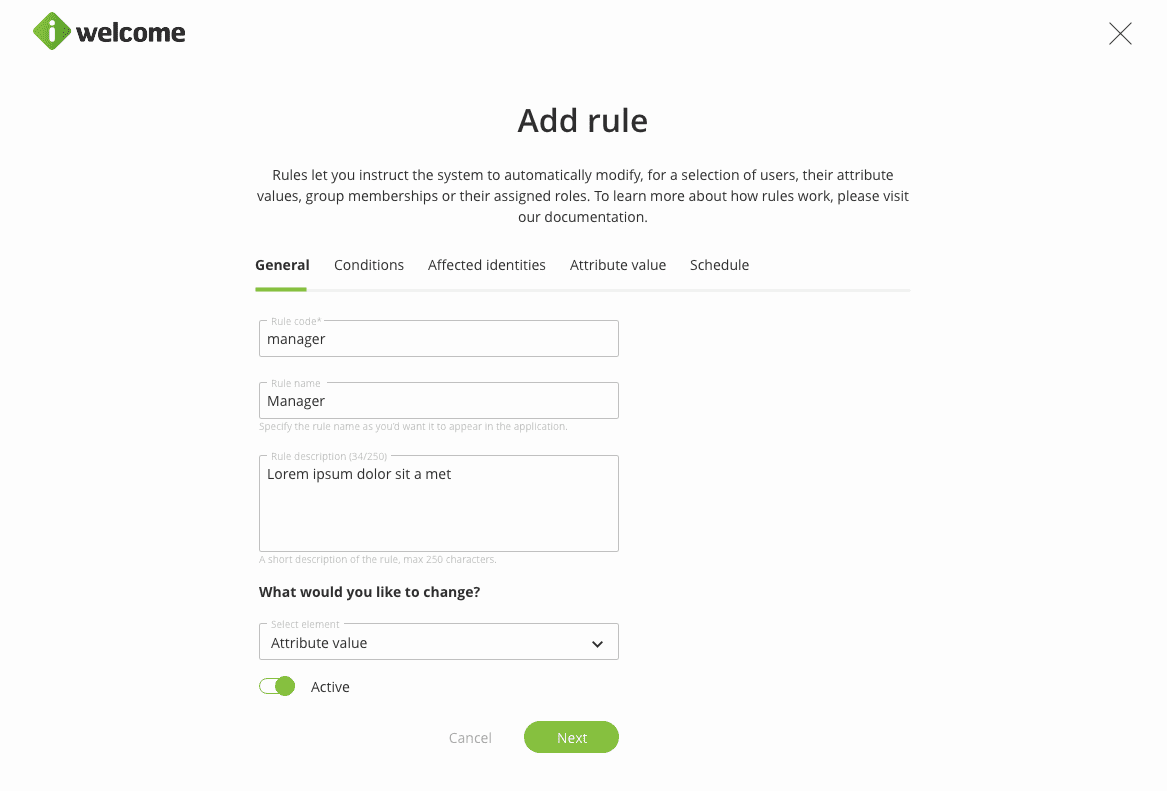
Read more about what rules are and how they work.
Set up system configuration
As an IT admin, you need to make sure that whatever software gets implemented by the company, it meets your organisation and customers' needs and matches the internal processes and flows.
Therefore, an important step in setting up a new system is configuration. The platform provides advanced customisation, configuration and branding capabilities so that you can tailor the platform.
Within the platform, you can customise the following:
Branded apps. Allows you to perform UI customisations for the branded apps that you define so they match the brand.
Data. Customise user attributes, attribute categories and set automation rules.
Data visualisation. You can select the events you want to see in the dashboard charts and tables and how they are displayed, as well as set custom event names and categories.
Translation. RITM supports both application and platform translation.
Perform mass updates
Managing a large pool of identities is a time-consuming, often repetitive job that could definitely use some automation.
Within the platform, we provide mass changes as a quick way for you to assign, as a one-time action, roles to a large number of identities at once. This assignment is performed if they have a certain set of attributes or if they belong to a certain group.
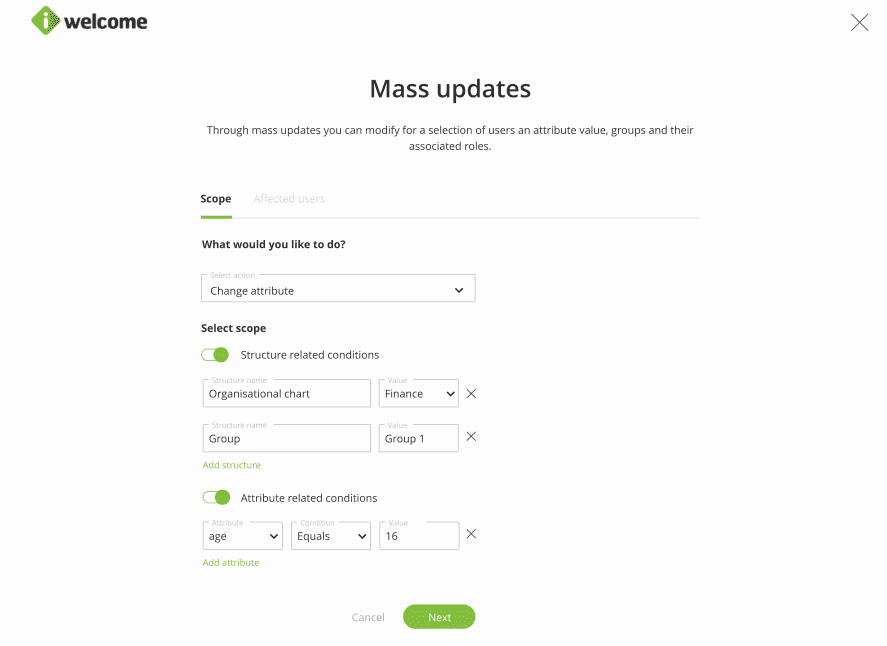
Read more about performing mass updates.
Add & manage users
The Management tab within the Users section of the platform provides all the tools you need to manage user accounts, whether in bulk or individually.
Create new user accounts and manage existing ones through:
Profile data management
Account administration (e.g. activation, blocking, deletion)
Password reset
Email address and phone verification
Management of user roles, including the assignment of time-based roles
Assignment of branded apps to users through branded app roles
Assignment of users to groups
Accept/ deny role requests
Managed identities overview
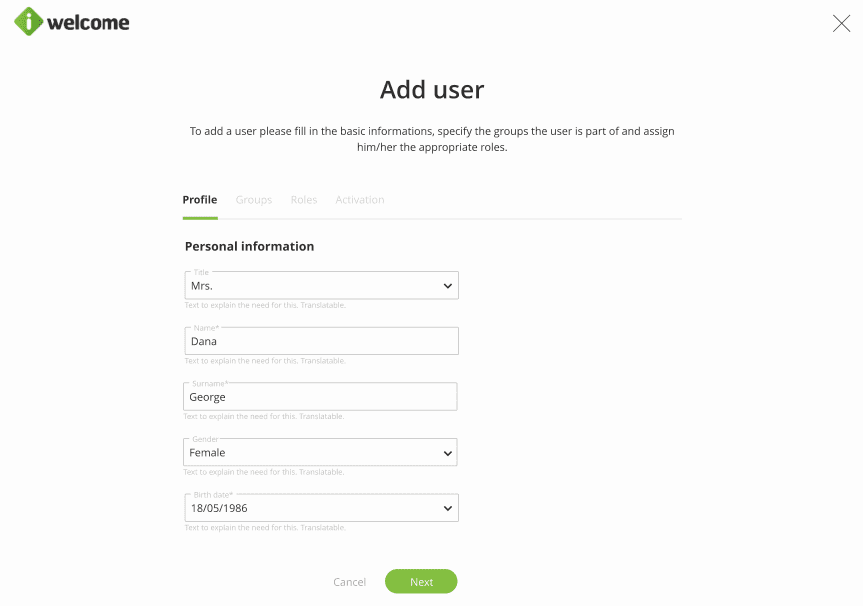
Read more about the different options of managing users.
Audit admin users’ activity
Stay on top of what is going on in the platform with the help of the Activity tab, which presents all actions performed by users with admin role types.
The information presented includes information regarding data visualisation and setup actions (data, access, customisation, settings), but doesn't include actions performed on specific identities in service desk.
These are recorded using the specific events that have been set up for those identities.
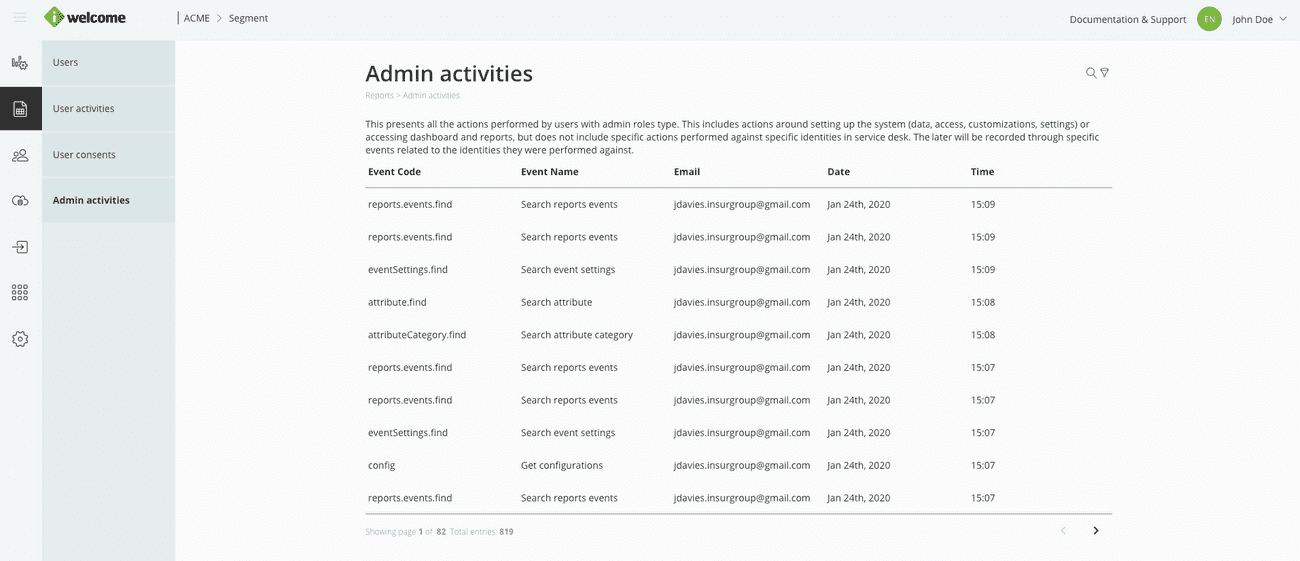
Read more about the information presented in the Admin activities section.
Manage personal data
As an IT admin, you need to be able to easily manage users' information in order to complete their profiles or rectify inaccurate data. Additionally, as some data privacy laws require, you also have the ability to download personal data belonging to a user for respecting the user's right of access.
In addition to allowing you to add and manage users, the platform also allows administrators to manage users' personal data (such as profile picture, name, age, gender, address and phone, etc.) as well as employment information. You can add new information, edit the existing one or promote (move upward) the existing sections.
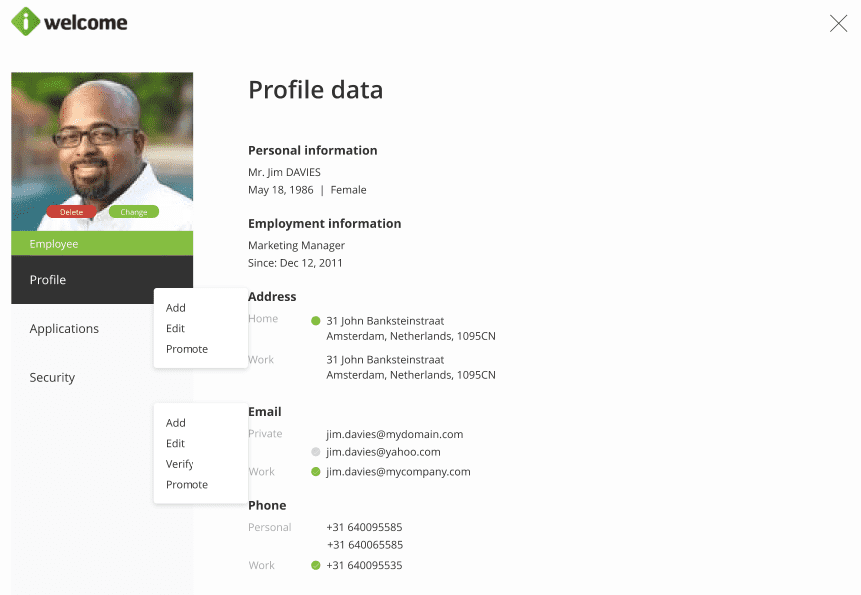
Read more about the profile page
