
Being a service desk operator makes you the liaison between the company and its customers, the go-to person for their technical problems or inquiries because, let's face it: keeping customers happy is key to any company's journey.
RITM's comprehensive user management functionalities help you deliver an outstanding service desk experience by providing you with the necessary tools to correctly identify, verify, monitor and manage users. Bulk actions, automation rules and attribute customisation assist you in adapting the whole service desk environment to your company's workflows and needs, while making time-consuming jobs fast and effective.
By providing a scalable, adaptive service desk service, your organisation can make the process of providing hands-on support more effective for both end-users and service desk teams.
As a service desk operator, you'll be able to:

Monitor selected users
As a service desk operator, you must oversee users' activity within the platform, ensure that it all goes smoothly, and help consumers, partners or other users to figure out potential issues.
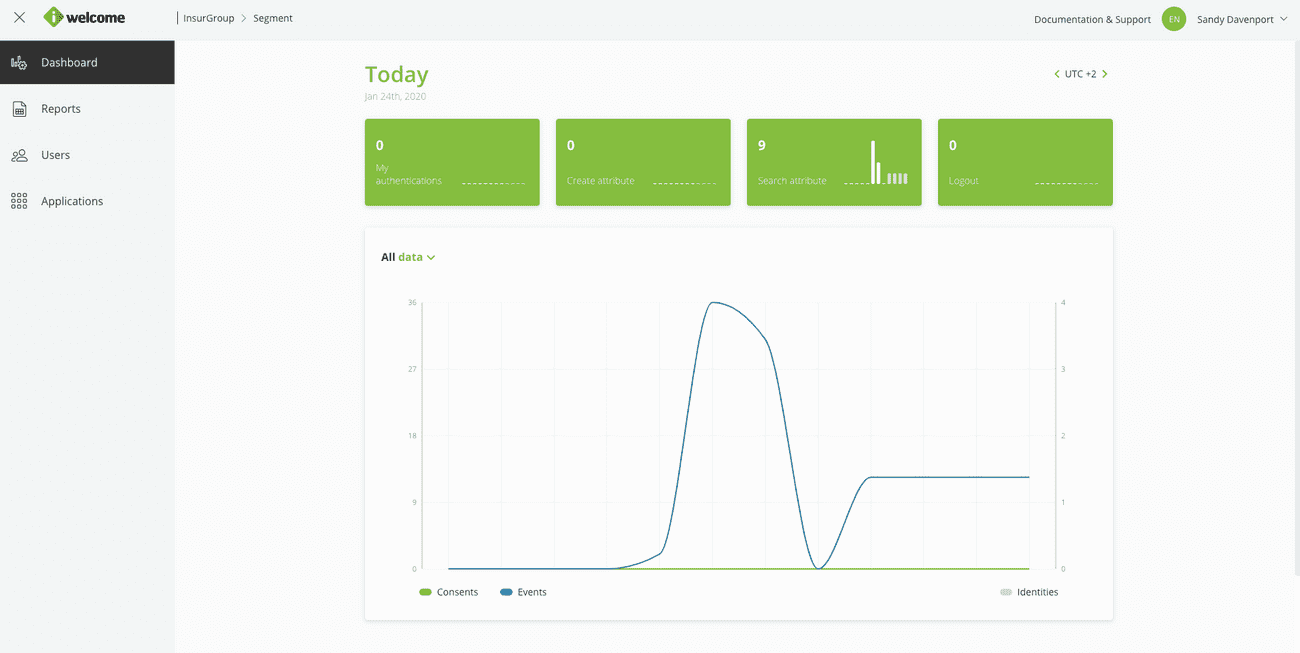
RITM's data visualisation tools (Dashboards and Reports help you monitor all users within your scope and quickly identify any problems such as failed authentications.
By jumping in and proactively offering support to consumers, you will contribute to the organisation's positive image and the overall good functioning of the platform.
Add & manage selected users
Providing a positive and effective service desk experience is what oftentimes makes the difference between a long-term relationship and a one hit wonder.
RITM brings a customisable service desk environment that helps service desk representatives correctly identify users and assist them with technical support.
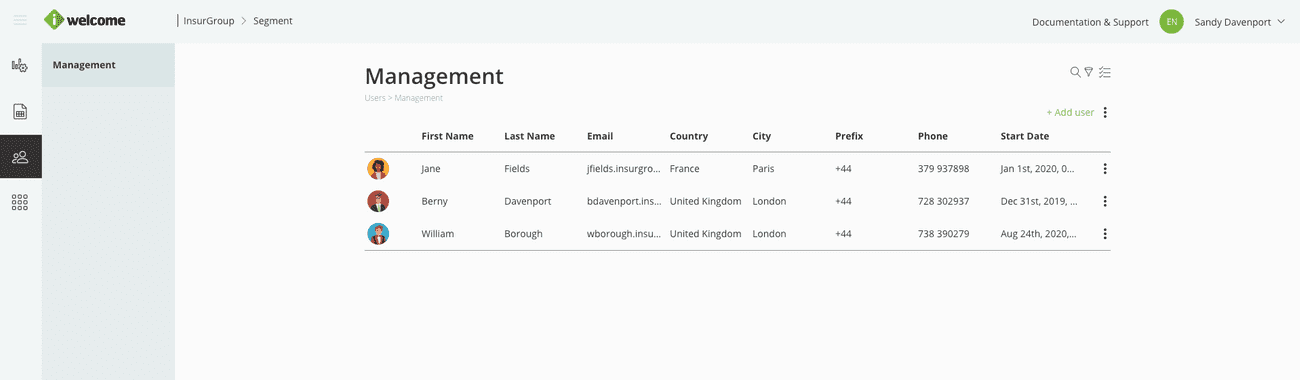
The user management section allows you to:
Monitor user accounts and their state. See all the users within your scope and information about their accounts.
Edit account information. Add relevant information to users' accounts.
Reset password. Help users that are locked out of their account by resetting their password. This will send a password reset email to the account owner.
Download data. Download an archive containing all the personal information related to an account.
Read more about the different options for user management.
Manage personal data
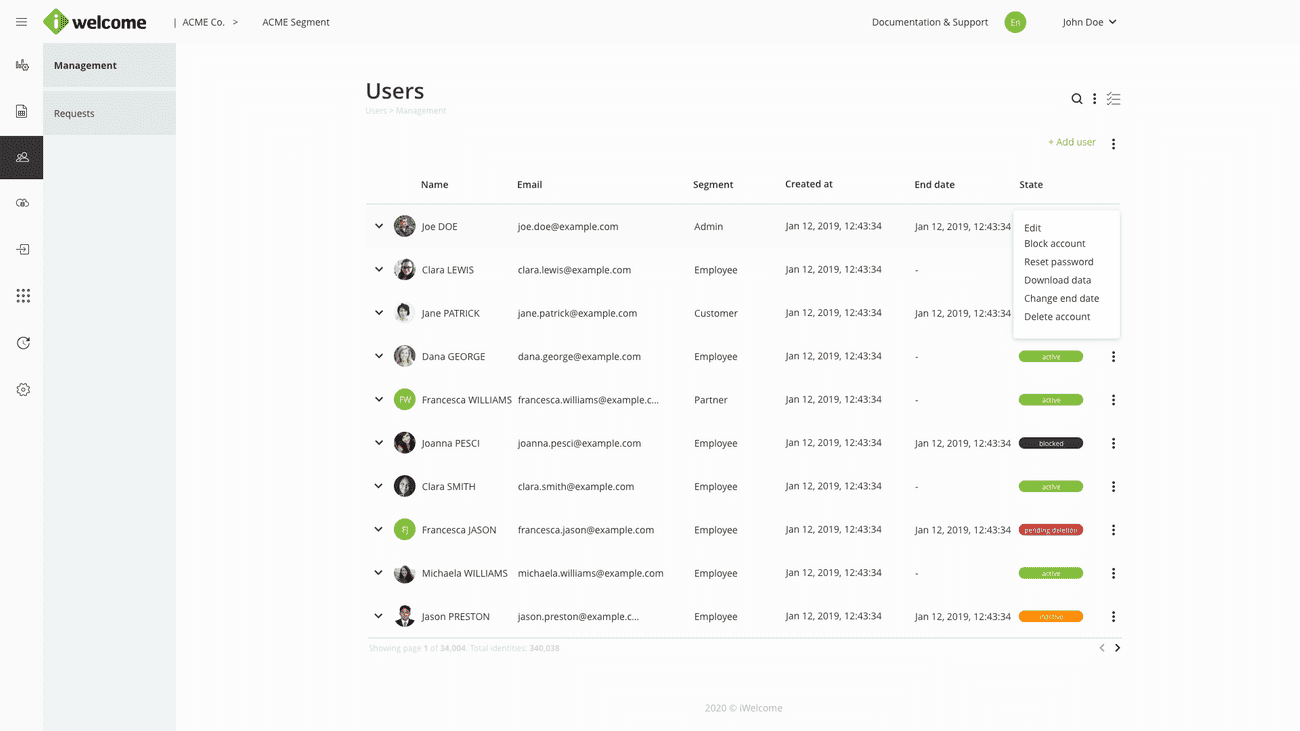
The platform's flexible profile page is a one stop shop for managing users' accounts.
Depending on your assigned roles and entitlements, you can:
View the user's activity. Each user has his own personal dashboard where you can look at all the actions performed by them.
Manage users' account information. This allows you to complete your profile with additional information or rectify the data.
View the user's applications. See what applications that user has access to.
Manage the user's roles. View and assign new roles to users.
View the user's groups. View the list of groups that the user is part of or assign him to new ones.
Read more about the profile page
